Drop your photos
Bring in one image or a whole selection of JPEGs and PNGs. The carousel keeps every photo close without turning the workspace into a filing system.
A native macOS finishing room
FrmIt turns a favourite image into a considered, print-ready composition—precise whitespace, photo-aware frames, calm line work, and output you can trust.
A framing workflow for real photographs
FrmIt starts where a great image ends: the final proportion, the stillness around it, and the version that is ready for paper, a client, or the wall.
Bring in one image or a whole selection of JPEGs and PNGs. The carousel keeps every photo close without turning the workspace into a filing system.
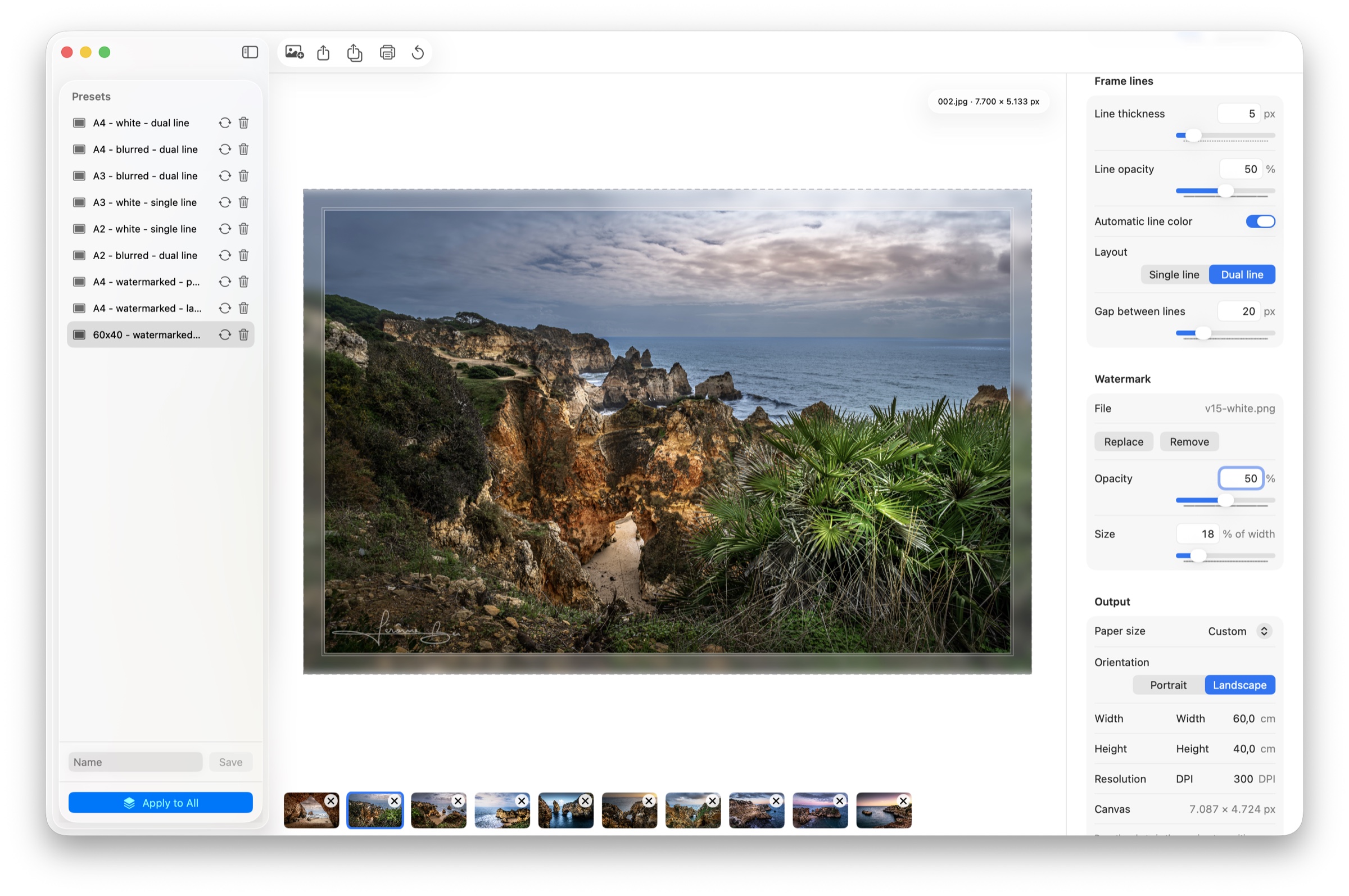
Choose solid colour or a photo-derived blurred surround. Tune whitespace, line thickness, dual lines, opacity, and watermark placement with real dimensions.
Work in centimetres and DPI, crop directly in the preview, choose common A-series or US paper sizes, then export JPEG or print from the standard macOS dialog.
Designed around the image
Use a solid surface when the image needs breathing room. Or let colour and texture travel beyond the edge with an image-derived blur. Either way, the image remains the point.
A closer look
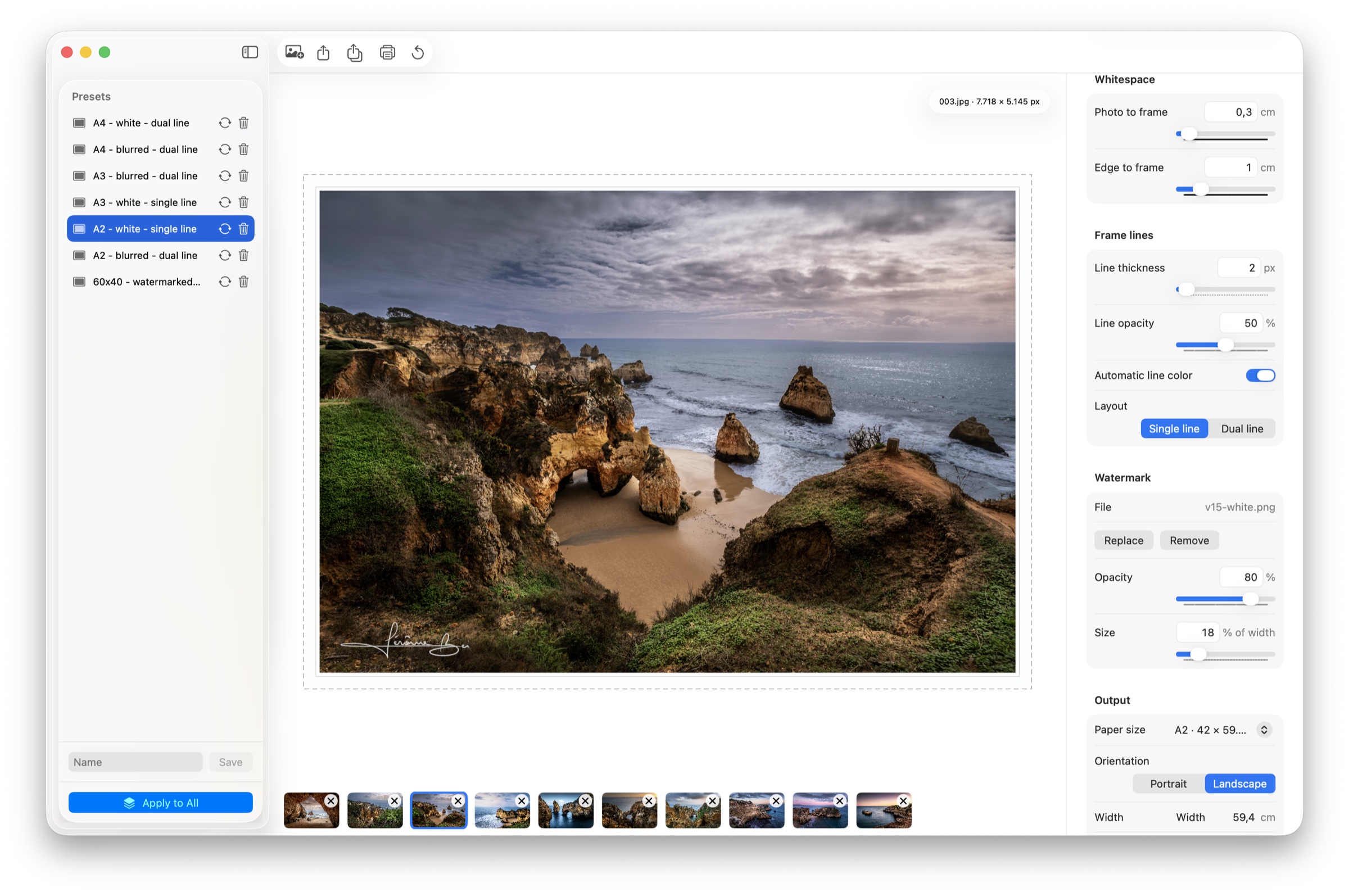
See blurred and solid frame treatments, print-aware layouts, and watermark controls in the native workspace.
The finishing controls
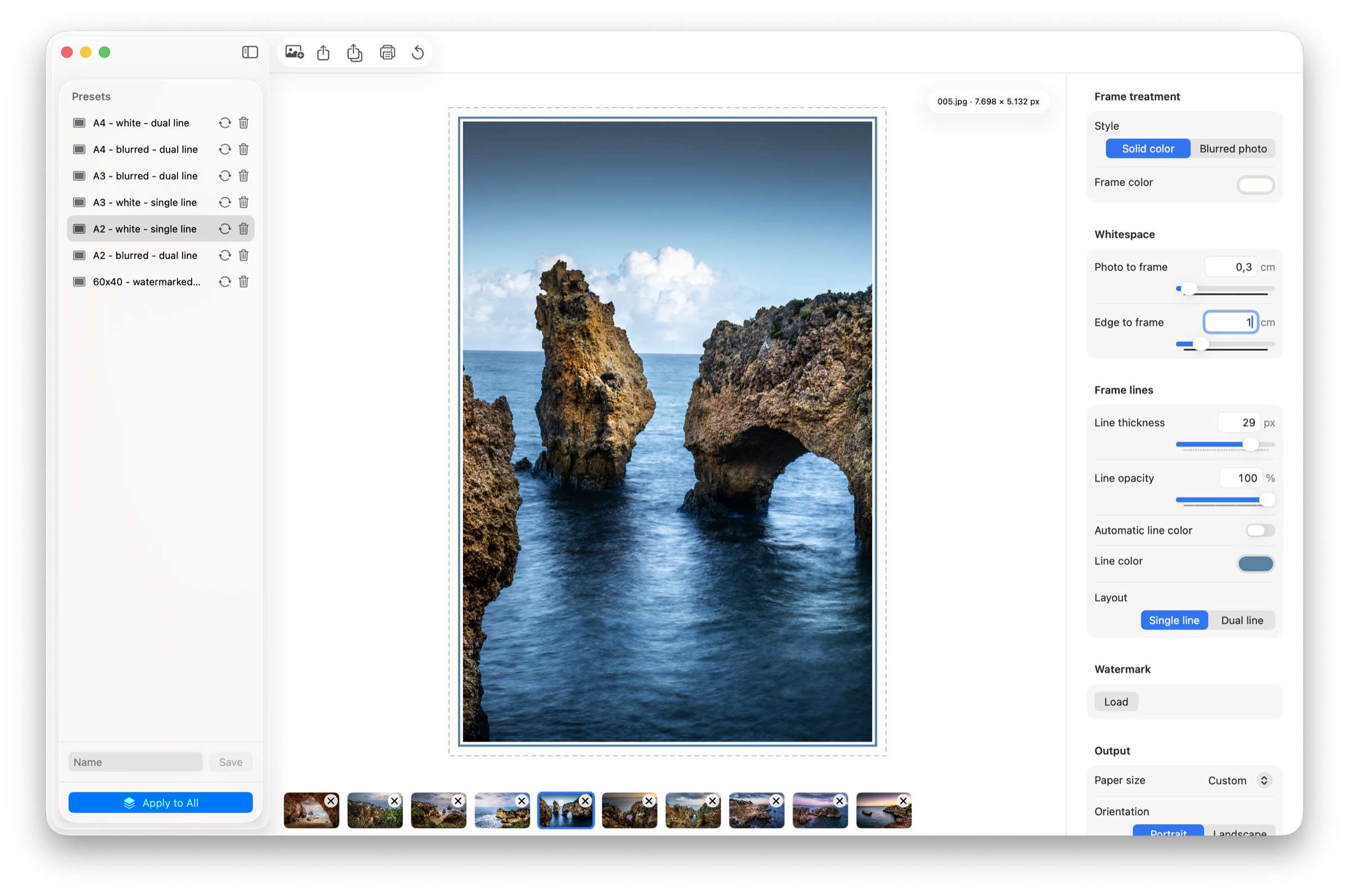
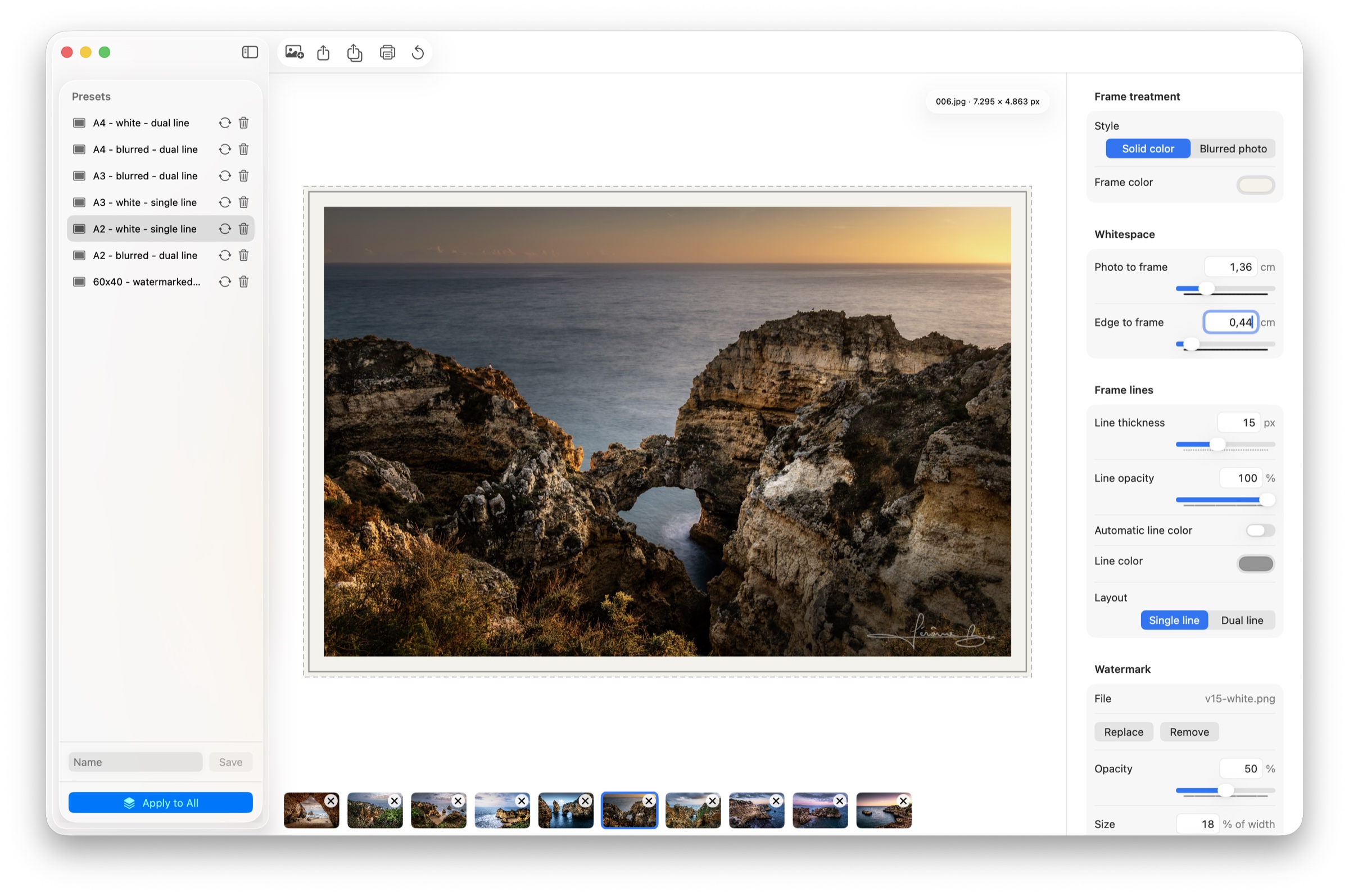
The native inspector keeps the decisions that matter close to the photograph, with direct values when precision matters more than a slider.
Switch between a solid surface and photo-derived blur, then set whitespace, line weight, opacity, and the rhythm of dual lines.
Size a watermark, set its opacity, choose paper orientation, and see the final centimetres, DPI, and output canvas together.
Save a look, update it as your work evolves, and apply it across the current selection without losing each photograph’s individuality.
Built for the final output
Every control is designed to answer a practical question: how large is this really, where will it crop, and how will it look when it leaves the screen?
Build a quiet solid surround or let the image become its own atmosphere with a softly blurred background that follows your crop.
Set the photo-to-frame space and edge-to-frame space in centimetres. FrmIt converts the decisions to the selected DPI for a trustworthy output canvas.
Add a transparent PNG watermark, save presets, keep photo metadata, and make every image part of a considered, repeatable presentation.
Start with A2, A3, A4, A5, Letter, Legal, Tabloid, or a custom size. FrmIt respects portrait and landscape, then auto-orients printing.
Mac by design
Liquid Glass surfaces, the standard system print dialog, drag-and-drop, native file pickers, and the quiet focus of a desktop tool that stays out of your way.
A few useful answers
FrmIt is a native macOS app for giving photographs a deliberate frame, setting print dimensions, and exporting a print-ready JPEG.
Yes. Drop or choose multiple photos, switch between them from the compact carousel, and reuse the current framing settings across your selection.
Yes. The blurred-photo frame uses an enlarged, softened version of the same photo. It moves with your crop so the visual story stays coherent.
No. Originals stay exactly where they are. FrmIt creates a new JPEG export and keeps the original photo separate from the framed result.
FrmIt includes A2 through A5 plus US Half Letter, Letter, Legal, and Tabloid. You can also enter a custom width, height, and DPI.
A better finishing ritual
FrmIt is for photographers who care as much about the final presentation as the moment they captured.